RAG sounds intimidating. Building it in n8n? Surprisingly doable.
When most people first start reading about RAG (Retrieval-Augmented Generation), it seems way above their pay grade. Vector databases? Embeddings? Chunking strategies?
But once you actually build one in n8n, you realize it’s just another workflow. A powerful one, but still… nodes connected to nodes.
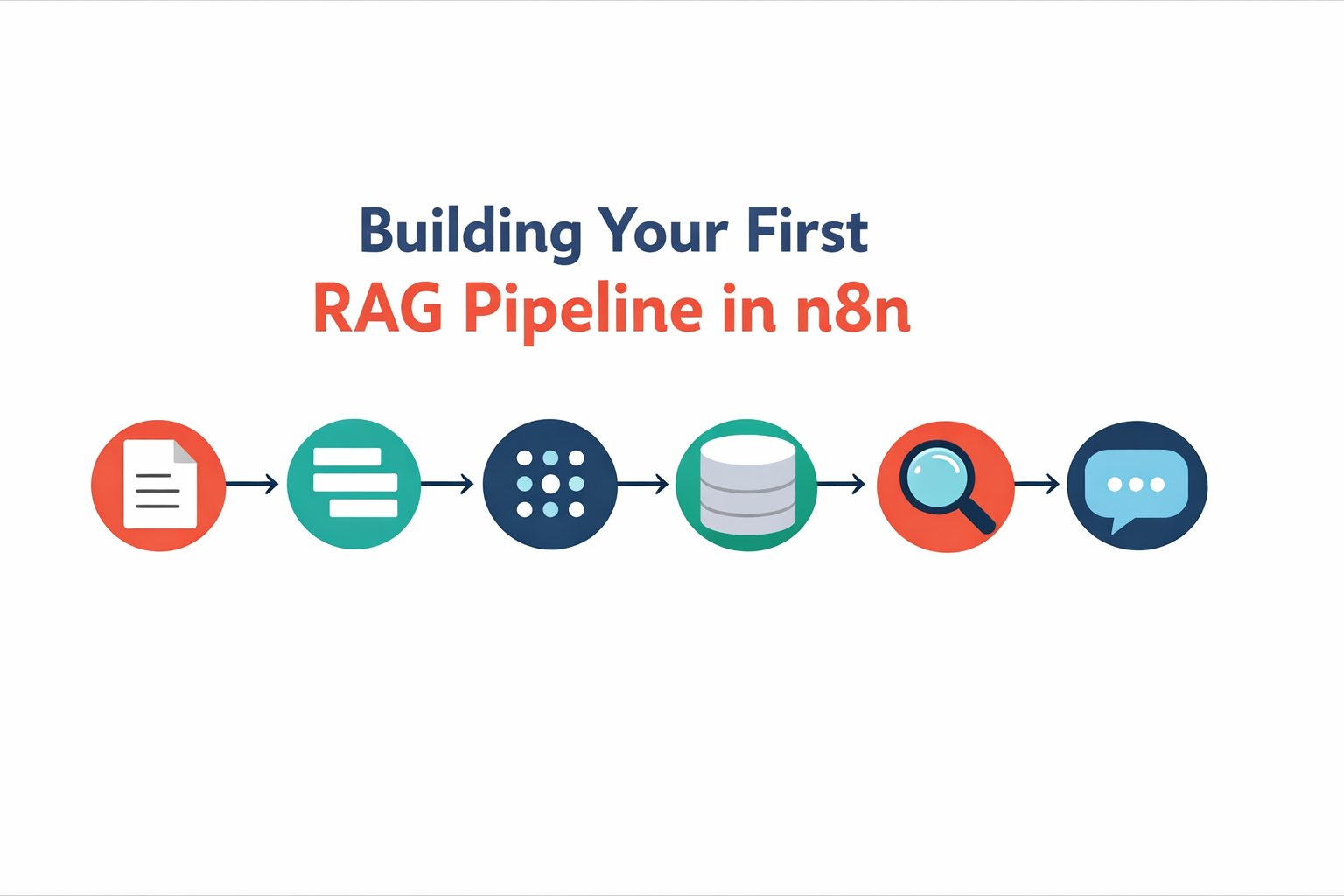
Here’s the basic architecture:
🔹 Step 1: Ingest your documents
Start with a trigger (manual, webhook, or scheduled) that pulls in your source material. This could be PDFs, Google Docs, Notion pages, or even web content.
🔹 Step 2: Chunk the content
Large documents need to be broken into smaller pieces. Why? Because when you search later, you want to retrieve relevant sections, not entire 50-page manuals. n8n’s Code node works great here for custom chunking logic.
🔹 Step 3: Generate embeddings
Each chunk gets converted into a vector (basically, a numerical representation of its meaning). You can use OpenAI’s embedding API or alternatives like Cohere directly in n8n.
🔹 Step 4: Store in a vector database
Pinecone, Qdrant, Supabase with pgvector… there are options. The key is picking one that plays nicely with n8n’s HTTP Request node or has a dedicated integration.
🔹 Step 5: Query and retrieve
When a question comes in, you embed that question, search your vector database for similar chunks, and pull back the most relevant context.
🔹 Step 6: Generate the response
Pass the retrieved context + the original question to your LLM. Now it’s answering based on your data.
The learning curve?
Honestly, the hardest part isn’t n8n. It’s understanding why each step exists. Once that clicks, building the workflow feels familiar.
If you’re already comfortable with n8n’s HTTP Request nodes and working with APIs, you have the skills. The rest is just learning a new pattern.