By a software engineer with 6+ years of experience, former startup CTO, and agency founder. Here’s what nobody tells you about shipping with AI.
Vibe coding is everywhere right now. Open a tool like Cursor, Replit, or Bolt, type what you want in plain English, and watch working code appear in minutes. It feels like magic, until it doesn’t.
I’ve been a professional software developer since 2020, hold a BTech in Computer Software Engineering, and have served as CTO of a startup. I now run a freelance practice that’s growing into a full agency. Over the past year, I’ve used vibe coding extensively for client projects, and I’ve watched friends build everything from e-learning platforms to local dialect language translators using the same approach.
Here’s what I’ve learned: vibe coding is a powerful tool, but it’s not a replacement for knowing what you’re doing. And if you don’t manage it properly, you’ll ship fast and break everything.
This post is for non-technical vibe coders and agencies looking to integrate vibe coding into their workflow. Whether you’re building your first prototype or managing client projects at scale, these are the principles that will keep you from burning time, money, and trust.
First, Let’s Be Honest About What Vibe Coding Actually Is
Vibe coding is a term popularized by AI researcher Andrej Karpathy in early 2025. It’s a style of development where you describe what you want in natural language and let an AI generate the code. Your role shifts from writing code to directing, reviewing, and refining AI output. If you’re new to the concept, I broke it down in detail in my earlier post: What is Vibe Coding and How Can It Help My Business?
That sounds incredible. And for certain use cases, it genuinely is. But here’s the hard truth most influencers won’t tell you:
Just because you can vibe code doesn’t mean you don’t need developers.
You still need people with real programming knowledge for security, code integrity, and anything that’s going to face real users in production. Vibe coding is excellent for building prototypes fast. It is not, at least not yet, a reliable path to production-ready software without expert oversight.
I use vibe coding primarily to build quick prototypes of website projects for clients. It lets me show a working concept in hours instead of days. But when it’s time to build the real thing? We rebuild on proper foundations, often using low-code tools with established security patterns, and always with a developer reviewing what the AI produced. If you’re weighing those two approaches, I compared them side by side in Vibe Coding for Non-Developers: What It Is, How It Compares to Low-Code, and Which One You Actually Need.
The Real Risks Nobody Talks About
Before diving into how to manage a vibe coding project well, you need to understand what can go wrong.
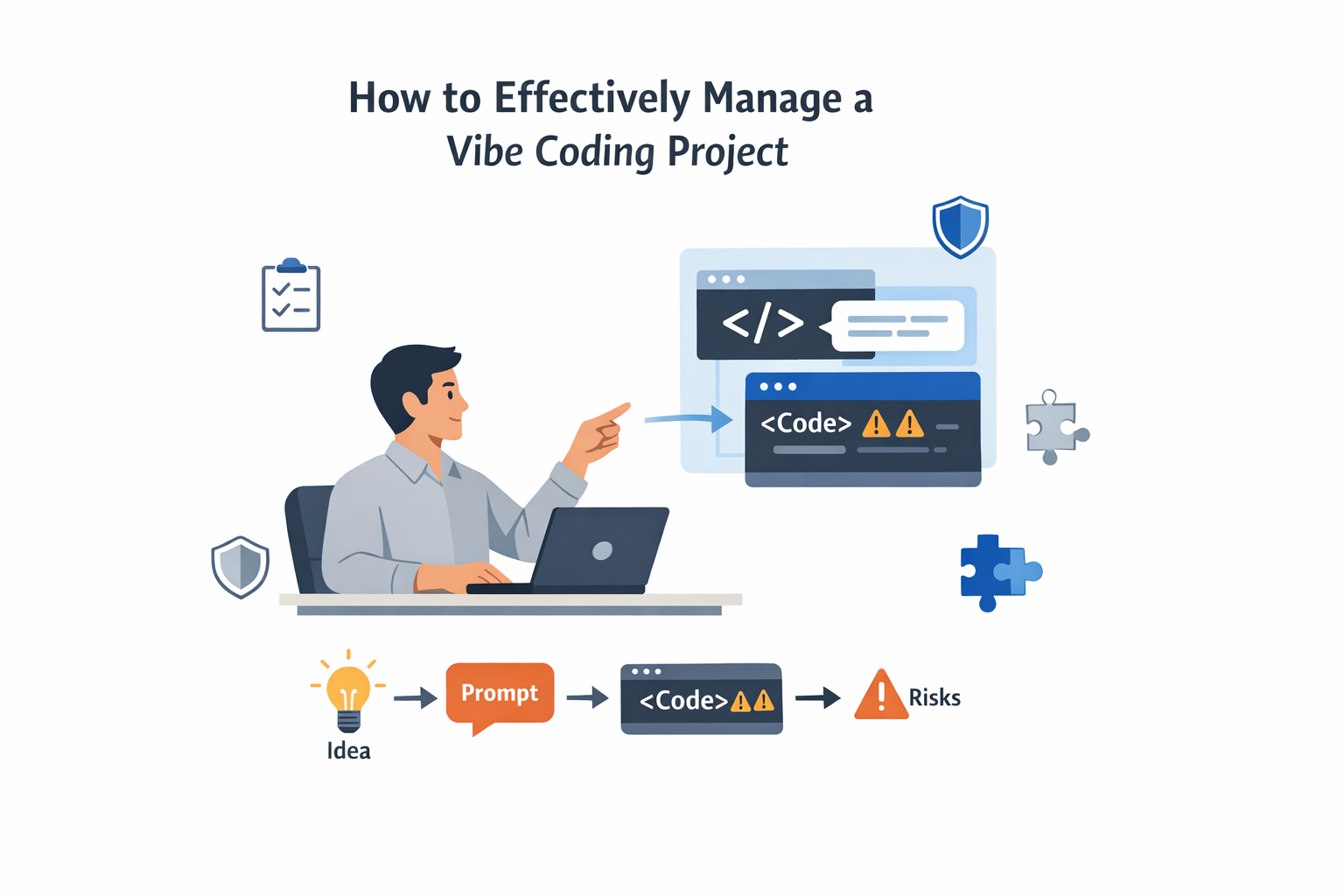
Security is the biggest concern. Research from multiple sources, including Databricks’ AI Red Team and Veracode’s 2025 GenAI Code Security report, consistently finds that a significant portion of AI-generated code contains security vulnerabilities, even when the code looks clean and runs perfectly. We’re talking about issues like exposed API keys, missing input validation, SQL injection openings, and unsafe dependencies.
In one documented case, an AI built a fully functional multiplayer snake game, but the networking layer used Python’s pickle module for serialization, which is notoriously vulnerable to arbitrary code execution. The app worked great. It was also a security disaster waiting to happen.
Credit and token limits are a real constraint. If you’re working on a large project, you’ll burn through AI credits fast. Several developers I’ve spoken with, including friends who built an e-learning platform and language translation tools, flagged this as a major friction point. You start strong, run out of credits mid-feature, and then you’re stuck context-switching or starting fresh conversations where the AI has lost all understanding of your project.
Output quality depends entirely on your input. This is the one thing every vibe coder I’ve talked to agrees on: the quality of what the AI produces is directly proportional to how well you can describe what you want. Vague prompts produce vague code. Detailed, structured prompts produce dramatically better results.
For a deeper dive into these and other constraints, check out my post on What Are the Limitations of Vibe Coding?
A Framework for Managing Vibe Coding Projects
After researching how experienced developers and technical project managers are approaching this, and combining that with my own experience, here’s a practical framework that works, whether you’re a solo builder or running an agency.
1. Plan Before You Prompt
The single biggest mistake in vibe coding is opening the AI tool and just starting to type. Resist the urge.
Before you write a single prompt, you should have a clear picture of what you’re building. Create a simple Product Requirements Document (PRD), even a one-page version is fine. It should answer: what is this thing, who is it for, what are the core features, and what does success look like?
Sketch a wireframe or a basic workflow map. Tools like Figma, Whimsical, or even pen and paper work. The point is to give both yourself and the AI a visual reference for what you’re building. Many vibe coding tools let you import screenshots or mockups, and this dramatically improves the accuracy of what gets generated.
One technical project manager shared that his first vibe coding project failed precisely because he skipped this step. He jumped straight into prompting and ended up with overlapping logic, redundant components, and every new feature breaking three old ones. His second attempt, with proper planning, saved him significant time and money.
2. Break Work Into Small, Vertical Slices
Don’t ask the AI to build your entire app in one go. Break your project into small, end-to-end features, what developers call “vertical slices.” Each slice should be a complete piece of functionality: a login flow, a dashboard view, a payment form.
This approach works better for three reasons. First, it keeps your prompts focused, which improves output quality. Second, it makes it easier to test each piece as you go. Third, it conserves your AI credits by keeping conversations scoped and manageable.
A structured workflow popularized in the developer community suggests collaborating with the AI to create a step-by-step implementation plan from your PRD, then working through it slice by slice. Each slice gets implemented, tested, and committed before moving to the next.
3. Set Up Rules and Context for Your AI
Most vibe coding tools allow you to configure system-level instructions, things like coding standards, preferred frameworks, and security requirements. Use them.
Create a set of rules that your AI follows for every prompt. For example: always use parameterized queries for database access, never store API keys in frontend code, always include input validation, use a specific CSS framework. Think of this as onboarding a new developer, except this developer has no memory between conversations and will happily make dangerous choices if you don’t tell it not to.
Some teams maintain a prompt library, a collection of tested prompts categorized by task type, with notes on what worked and what didn’t. This becomes invaluable as your projects grow.
4. Keep a Prompt Log and Document Decisions
This is one of the most underrated practices in vibe coding. Keep a running record of what you prompted, what the AI generated, and what decisions you made along the way.
Why? Because AI conversations are ephemeral. When you hit a credit limit and start a new session, or when a teammate picks up where you left off, all that context is gone. A simple shared document or spreadsheet tracking your prompts and key decisions maintains continuity and prevents you from repeating mistakes.
Document why you changed a data model, why you rejected an AI suggestion, or why you chose one approach over another. This isn’t bureaucracy. It’s survival.
5. Treat AI Output as a Draft, Never as Production Code
This is the principle that separates professionals from hobbyists. Every single line of AI-generated code should be treated as if it came from a junior developer who’s smart but careless.
Review it. Test it. Question it. And before anything goes to production, have someone with real development experience audit it for security vulnerabilities, performance issues, and architectural problems.
In my workflow, vibe-coded prototypes are exactly that: prototypes. They’re for showing clients a working concept, validating ideas, and moving fast during the early stages. When we move to production, we rebuild with proper tooling, established security patterns, and developer oversight.
For agencies, this means building vibe coding into your discovery and prototyping phase, not your delivery phase. Use it to win clients and validate ideas, then deliver with the rigor those clients are paying for.
6. Prioritize Security at Every Step
Security deserves its own section because it’s where vibe coding fails most dangerously, and most silently.
Here’s a practical security checklist for vibe coding projects:
During prompting: Include explicit security requirements in every prompt. Tell the AI to use parameterized queries, enforce input validation, follow the principle of least privilege, and never hardcode secrets. Don’t paste API keys, passwords, or sensitive data into your prompts.
During review: Run the generated code through static analysis tools. Check for exposed credentials, insecure dependencies, and common vulnerability patterns like cross-site scripting (XSS) or SQL injection.
Before deployment: Use a secrets management solution for credentials. Set up rate limiting on your endpoints. Keep all dependencies updated. And if you’re not confident in your security expertise, hire someone who is. A security review before launch is far cheaper than a breach after.
The Cloud Security Alliance’s Secure Vibe Coding Guide recommends treating this like application security: integrate security into every stage of development, not as an afterthought at the end.
7. Know When to Stop Vibe Coding
This might be the most important principle of all. Vibe coding has a ceiling, and you need to recognize when you’ve hit it.
It’s great for prototypes, MVPs, internal tools, landing pages, and proof-of-concept demos. It gets risky for complex business logic, applications handling sensitive data, systems that need to scale, and anything where security is mission-critical.
As an agency owner, I’ve learned to draw a clear line: vibe coding is a means to speed, not a substitute for craftsmanship. When a project crosses from “let’s validate this idea” to “real users are going to depend on this,” it’s time to bring in proper development practices. I explored this tradeoff in more detail in Vibe Coding vs Traditional Coding: Which One Should Your Business Actually Use?
Real-World Applications That Work
From my own experience and conversations with other builders, here are the use cases where vibe coding delivers genuine value:
Client prototyping. I use it to build working website prototypes for clients in a fraction of the time traditional development would take. Clients see a real, interactive product instead of static mockups, and it accelerates decision-making dramatically.
E-learning platforms. A colleague used vibe coding to build the initial version of an e-learning platform, including course structure, content delivery, and basic user management. It got the product to a testable state fast, and they refined from there with developer support.
Language translation tools. Another developer in my network built translation tools for local dialects, a niche use case where speed to prototype matters more than enterprise-grade architecture. Vibe coding made it possible to test the concept without a massive upfront investment.
In every case, the pattern is the same: vibe code to validate, then bring in expertise to build for real.
The Bottom Line
Vibe coding is not overhyped, but it is widely misunderstood. It’s a genuinely powerful tool for moving fast, testing ideas, and democratizing software creation. But it’s not a shortcut around the fundamentals of good software engineering.
If you’re a non-technical builder, vibe coding gives you superpowers you didn’t have two years ago. Use them wisely. Plan before you prompt. Review what the AI gives you. And bring in developers when the stakes are real.
If you’re an agency, vibe coding can be a competitive advantage in your discovery and prototyping workflow. But your reputation depends on what you deliver to clients, and what you deliver needs to be secure, stable, and built to last.
The developers aren’t going anywhere. If anything, they’re more important than ever, because someone still needs to understand what the code is doing, why it’s doing it, and whether it’s safe. Vibe coding changes how we build. It doesn’t change what good software requires.
Build fast. But build right.