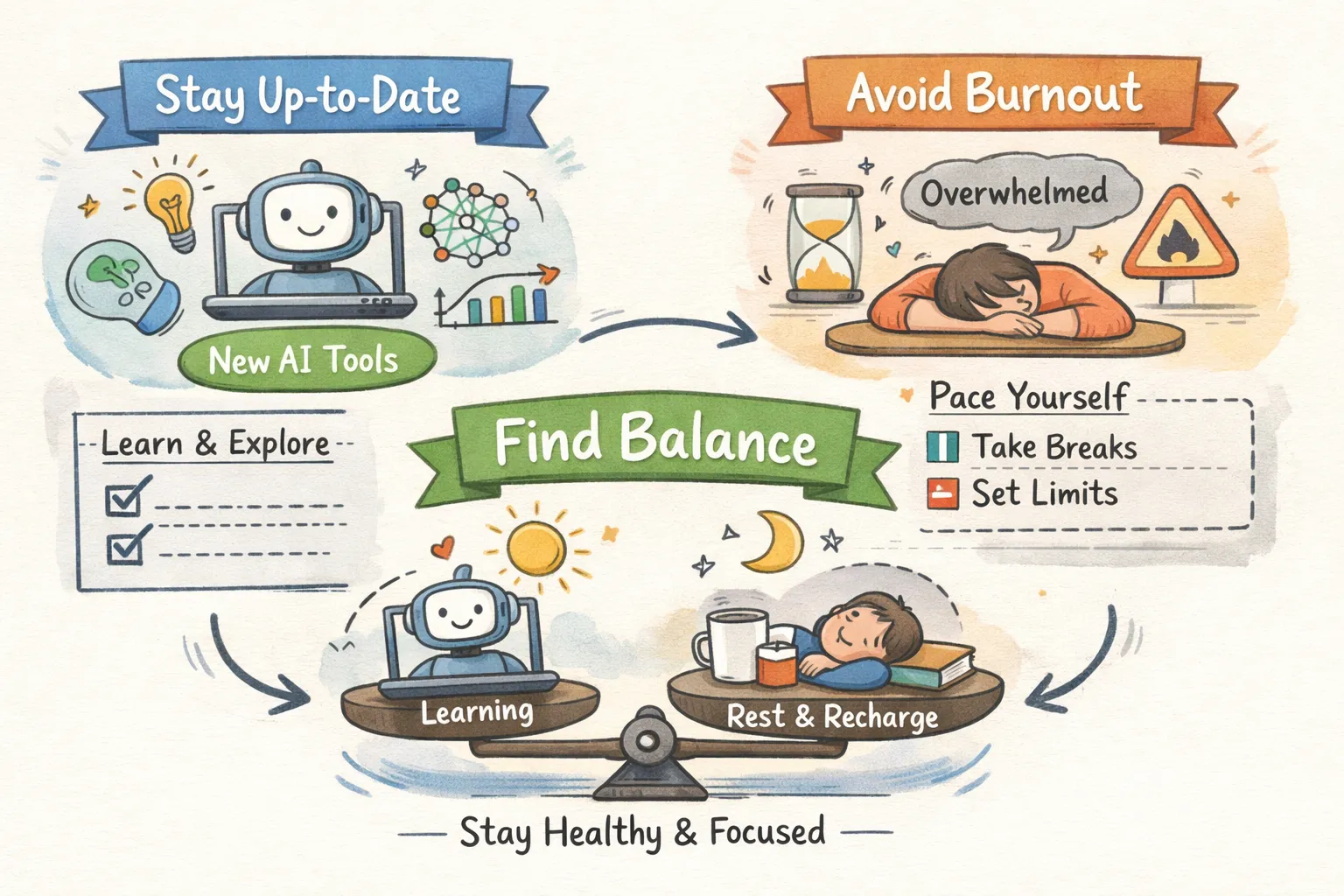
If you’ve ever asked yourself, how do I keep up with new AI tools without getting overwhelmed, you’re not alone, and you’re not behind because you’re lazy. Every morning, a handful of new tools land on Product Hunt, another batch gets announced on LinkedIn, and your inbox fills with subject lines promising yet another breakthrough model. You’re behind because the volume of announcements is genuinely unworkable without a system. The AI market hit $255 billion in 2025 and continues to expand aggressively through 2026, with many new tools announced weekly across platforms, directories, and developer communities, some estimates suggest dozens to hundreds depending on how broadly you define a “launch.”
The real problem isn’t the number of tools. It’s the absence of a repeatable filter. Most people approach AI tool discovery reactively: they see something trending, they open a tab, they half-test it for twenty minutes, then forget it existed. That pattern creates AI FOMO without producing any lasting value. The anxiety it generates is well-documented: fear of missing out on new technology consistently correlates with reduced decision quality and compounding digital exhaustion over time.
The system in this article fixes that. It’s built around five steps: curated sources, a weekly time block, a triage filter, a short testing queue, and a lean personal AI stack. Each step is small. Together, they let you manage new AI tools in your workflow without chasing every announcement, so you stop reacting to everything and start catching what actually matters
Why AI tool overload burns people out (and it’s not just hype
fatigue)
The scale of AI tool launches creates a specific psychological trap: the sensation that you’re always and, even when you’re not. Many announcements on platforms like Product Hunt are redundant tools solving already-solved problems or early-stage experiments not ready for real-world use. The useful signal exists, but it’s buried under a high volume of noise, and your brain can’t distinguish between the two without a deliberate framework.
The pattern is well-documented: fear of missing out on new technology links directly to anxiety, digital exhaustion, and poorer decision-making, not just mild distraction. The urge to try every trending tool creates constant context-switching, and context-switching is one of the most reliable paths to burnout. Each half-finished tool evaluation pulls you out of focused work without delivering proportional return.
Reactive adoption, trying tools simply because everyone is talking about them, rarely produces lasting value. Research on technology adoption shows that organizations and individuals who chase trends tend to stall at the pilot stage rather than integrate tools that genuinely improve their work. The shift that changes everything is moving from reactive to intentional discovery.
Keeping up with new AI tools without getting overwhelmed doesn’t require following everything; it requires building a reliable filter so you never miss the tools that matter while ignoring the rest without guilt.
How to keep up with new AI tools without getting overwhelmed:
build a curated source list
Social media is the worst place to discover AI tools, and the reason is structural. Twitter/X and LinkedIn optimize for engagement, not quality. The loudest tools trend, not the most useful ones. Algorithmicallydriven feeds create the illusion that everyone is already using something you’ve missed, which amplifies AI tool overload without delivering useful signal. Scrolling a social feed for AI tool discovery is like using a firehose when you need a water filter.
The alternative is a short, intentional source list you check once a week. Curated newsletters offer prefiltered, context-rich updates without the noise. Superhuman AI delivers three-minute practical updates focused on productivity tools. Ben’s Bites explains new tools in plain English, making it well-suited for solopreneurs. TLDR AI skews toward engineers who want concise model and tool updates. Each serves a different reader, so pick one or two that match your actual use case rather than subscribing to everything. If you want options for which newsletters to try, this roundup of the best AI newsletters can help you choose.
RSS feeds from trusted AI directories let you batch updates instead of checking multiple sites manually. Feedly and Inoreader both offer AI-powered filtering that surfaces relevant announcements and suppresses noise, far more efficient than a daily scroll. The goal is a single weekly session where your sources deliver pre-sorted signal, not an open-ended browse.
For recommendations on RSS readers that work well for curated feeds, see the guide to the best RSS feed reader apps.
That’s the gap the Amayzing AI weekly newsletter fills. Every week, it delivers handpicked AI tool discoveries with honest breakdowns of what each tool does well and where it falls short, including tools that impressed on first look but didn’t hold up under real use. No hype, no filler. Unlike broad aggregators that list every tool that launches, Amayzing AI applies a quality filter before featuring anything, which means tools in the newsletter have cleared a meaningful bar before reaching your inbox. One focused email per week handles the discovery step so you don’t have to.
Block weekly time for tool discovery instead of reacting daily
Checking for new AI tools every day creates the same attention fragmentation as checking email constantly. It interrupts focused work without proportional return, and it manufactures a false sense of urgency. Most tools worth adopting don’t require same-day action. The category changes fast, but individual tools don’t disappear overnight.
Batching tool discovery into one weekly session produces better decisions because you compare options rather than reacting to each one in isolation. Themed time blocks work for exactly this reason: a fixed window dedicated to a single type of task removes decision fatigue and protects the rest of your week for deep work. A Sunday evening or Monday morning block works well for most people because it positions discovery before the workweek, not in the middle of it.
Structure the session simply. Read your curated newsletter or newsletters, scan your RSS feed, and log anything worth exploring in your tracking system. Aim for around 30 minutes, a practical ceiling that keeps the session focused. Going longer turns a discovery session back into a scroll hole, which defeats the purpose entirely
For tools or announcements that surface between sessions, keep a single “inbox” note on your phone or in Notion where you drop tool names without evaluating them mid-week. Everything in that inbox gets reviewed during your next scheduled block. This preserves focus during the week while ensuring nothing genuinely interesting slips through.
How do I keep up with new AI tools without getting overwhelmed: triage before you try
Even with strong sources and a weekly time block, you’ll surface more tools than you can reasonably test. The triage step prevents you from downloading everything that makes it past your source filter. Three questions cover the decision in under two minutes:
Question 1: Does this solve a problem I already have?
Does this tool solve a problem I already have, or am I inventing a use case for it? If you’re constructing a hypothetical scenario to justify trying it, archive it immediately.
Question 2: Can I test the core feature quickly?
Is there a free trial or freemium tier that lets me test the core feature in under 20 minutes? If the core value requires a paid plan before you can evaluate it, move on until it shows up in proven-use-case reviews. For practical guidance on evaluation criteria you can apply quickly, see this how to evaluate AI tools checklist.
Question 3: Does it fit my existing workflow?
Does it integrate with the tools already in my workflow, or does it require a major setup investment? A tool that demands significant reconfiguration to your existing stack rarely earns its place unless it’s solving a genuinely critical problem
If a tool doesn’t pass at least two of those three questions, it goes to a “revisit later” list with a date attached. This isn’t a guilt archive; it’s a parking lot. Some tools improve significantly over a few months. Run a quarterly review of this list and you’ll catch tools that have matured without having tested them too early. If you’ve seen three similar tools in a single month and haven’t adopted any of them, that category isn’t a real priority yet, you can skip the fourth without hesitation.
Track what you test and build a personal AI stack you can trust
A lightweight tracker closes the loop on the system and prevents the common frustration of reresearching a tool you already evaluated six months ago. The setup takes five minutes. A basic Notion database or Google Sheet with five columns covers everything you need: Tool Name, Discovery Source, Testing Status (Pending, Active, or Complete), Quick Verdict, and a Keep or Archive decision.
Gallery or board view in Notion makes it easy to scan at a glance. A filtered spreadsheet works just as well for people who prefer rows over cards. The goal isn’t a sophisticated dashboard; it’s a single source of truth that removes duplicate work and makes your adoption decisions visible over time.
Set a 20-minute testing limit per tool. If the core value isn’t obvious within that window, archive it. A tool earns a place in your personal AI stack only when it replaces something you were doing manually or meaningfully speeds up work you already do, not just when it impresses you in a demo. A small set of tools you use consistently beats a long list of bookmarks you never open again.
Do a 15-minute quarterly review of your active stack. AI tools evolve fast, and a tool that was the best option in January may have been superseded by something better by April. This review also catches entries on your “revisit later” list that deserve a second look. Pruning regularly keeps your stack from becoming a collection of subscriptions you forgot you were paying for
The system works because it’s simple by design
Curated sources feed a weekly session. The weekly session feeds a triage filter. The triage filter feeds a short testing queue. Testing produces a lean, trusted personal AI stack. Each step is small, which means the system doesn’t require willpower to maintain, it becomes a habit because it’s easier than reacting to everything.
The underlying mindset shift is this: staying current on AI tools doesn’t mean knowing about every tool launched this week. It means never missing the ones that actually matter to your work. That’s a much smaller and more achievable target than the one most people are chasing.
So if you’re still asking how do I keep up with new AI tools without getting overwhelmed, this is the answer: use the system above, and let good curation do the heavy lifting. The Amayzing AI weekly newsletter anchors the curated sources step, one focused email per week built around honest, pre-vetted tool picks means you can skip the noise and still stay ahead of what’s emerging.
You can also browse the Amayzing AI tool directory by use case when you want to find tools for a specific problem rather than waiting for the weekly send
You don’t need every tool. You need a system that finds the right ones for you.