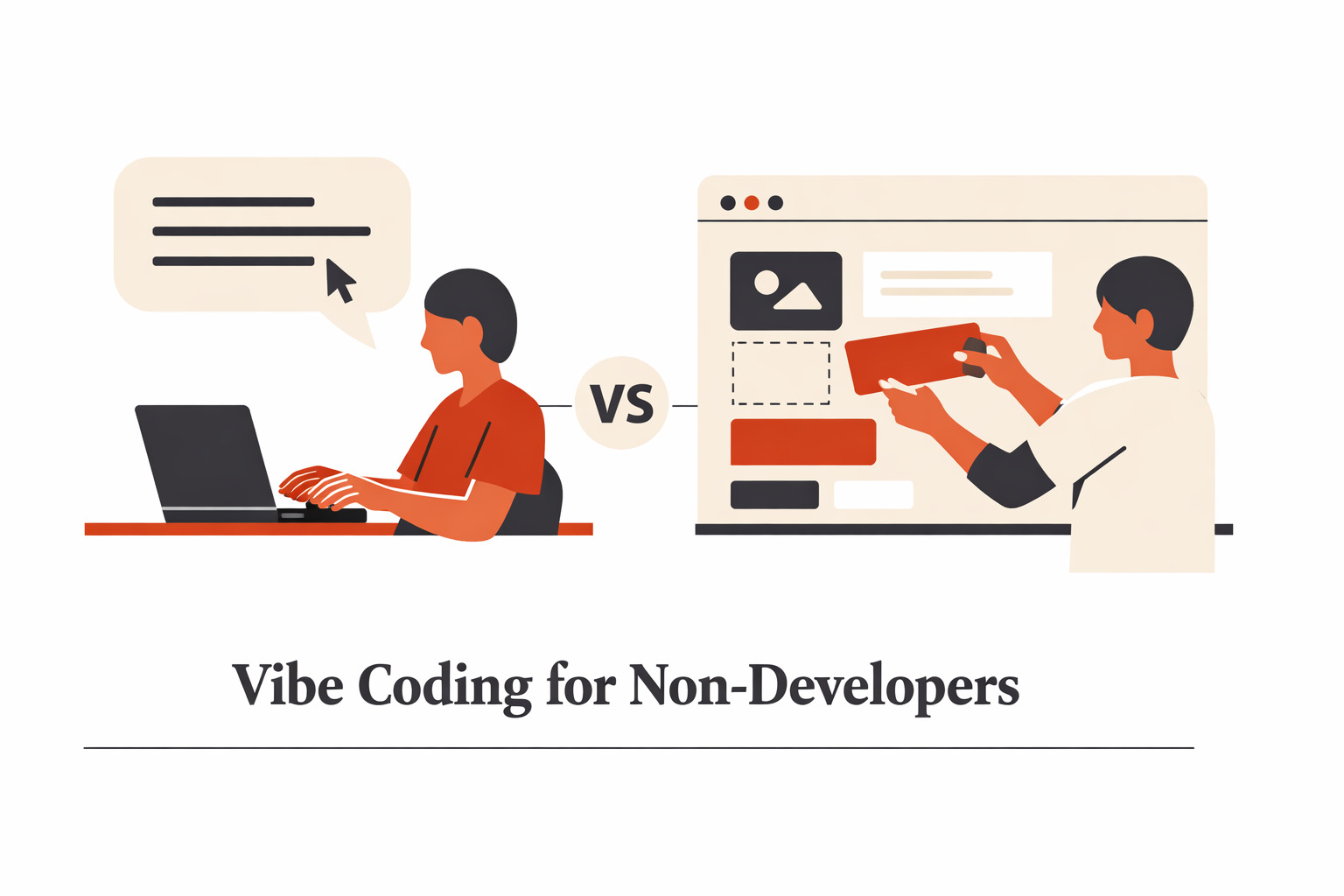
Two very different ways to build, and why choosing the wrong one at the wrong time will cost you more than you think.
If you’ve been anywhere near the internet lately, you’ve heard people talking about “vibe coding.” It sounds almost too good to be true. Just describe what you want, and AI builds it for you. No coding background required. Meanwhile, tools like Webflow, Bubble, and Zapier have quietly been helping non-developers build real products for years.
So if you’re a non-developer who wants to build something, a website, an app, or a product, which approach should you use? Are vibe coding and low-code the same thing? Is one replacing the other? And more importantly, which one is right for you?
I’ve spent years working at the intersection of design and development, building client projects with Webflow and Bubble, and prototyping with AI-powered vibe coding tools like AntiGravity and Claude Code. Here’s what I’ve learned: most people are asking the wrong question. The right question isn’t “which is better?” It’s “which is right for where I am right now?”
Let me break it down.
What Is Vibe Coding and Why Non-Developers Are Excited About It
Vibe coding is the practice of building software by describing what you want in plain language to an AI tool, which then generates the code for you. You type something like the following: “Build me a landing page with a hero section, a pricing table, and a contact form”, and the AI writes the code.
Tools like AntiGravity, Cursor, Bolt, and Claude Code sit in this space. They’re fast, powerful, and genuinely impressive for people who can direct them clearly. For non-developers, the appeal is obvious: you don’t need to know how to code. You just need to know what you want.
But, and this is important, knowing exactly what you want and being able to describe it precisely enough for an AI to build it correctly is harder than it sounds. More on that in a moment.
What Is Low-Code / No-Code and Why It’s Still Relevant
Low-code and no-code tools give you a visual interface, drag-and-drop builders, pre-built components, and workflow automations to build products without writing traditional code. Webflow lets you design and publish websites visually with professional-grade control. Bubble lets you build full web applications with databases and logic through a point-and-click interface.
These tools have been around longer, are more stable, and are specifically designed so that non-technical people can manage and update them after launch without needing a developer on call.
“Both can build a website. But they are not the same thing, and confusing them is one of the most expensive mistakes a non-technical founder can make.”
Vibe Coding vs Low-Code: How They’re Different at Their Core
Vibe Coding
Low-Code / No-Code
- You describe what you want in words
- AI writes actual code under the hood
- Output is a codebase someone must maintain
- Extremely fast for prototyping ideas
- Quality depends on how well you prompt
- Security needs expert review before going live
- You click, drag, and configure visually
- The platform manages the code for you
- Platform handles hosting, updates, and security
- More intuitive for non-technical owners post-launch
- Clients can adjust content without breaking things
- More stable and reliable in production
A Workflow That Actually Works: Prototype with Vibe Coding, Build with Low-Code
Here’s something I don’t see talked about enough: these two approaches don’t have to compete. They can, and should work together.
In my own client work, which is mostly web design and web application projects, I’ve developed a two-stage workflow that uses each tool for what it’s genuinely best at.
Stage One: Vibe Code the Prototype
When a client comes to me with an idea, I use AI vibe coding tools to quickly generate a working prototype, something they can actually click through and experience. This happens in hours, not days. The client can see it, feel it, request changes, and get genuinely excited about the direction. It removes all the guesswork and de-risks the entire project before a single line of production code is written.
Stage Two: Build It Properly in Low-Code
Once the client is happy with the prototype, I rebuild the final product in Webflow or Bubble, depending on what fits the project. Now the client has something that’s visually polished, platform-stable, and crucially easy for them to manage and update on their own, without needing me every time they want to change a sentence.
Why This Workflow Works for Non-Developers
Vibe coding is extraordinarily fast for showing ideas. Low-code tools are extraordinarily reliable for living in production. Using both at the right stage gives you speed and stability. The prototype earns trust and alignment. The low-code build earns long-term satisfaction. Neither tool alone does both jobs as well.
The Honest Limitations Nobody Talks About
Both tools come with real tradeoffs. Here’s what the hype leaves out.
Where Vibe Coding Is Hard for Non-Developers
The quality of what you build with vibe coding is almost entirely determined by the quality of what you ask for. And for non-developers, this is the hidden difficulty. Knowing exactly what you want, the logic, the edge cases, the user flows, the error states and being able to describe it precisely are themselves technical skill. It’s one that designers, developers, and product people have built over the years. It doesn’t come naturally just because the tool is available.
Most of my non-technical clients struggle with vibe coding tools, not because they aren’t capable, but because translating a business need into a precise technical instruction is genuinely hard when you’ve never had to do it before.
There’s also the bigger issue: security.
A Security Risk Most People Ignore
Vibe coding generates real code, and real code can have real vulnerabilities. Data exposure, authentication gaps, SQL injection risks. AI-generated code is not automatically safe code. No matter how good the output looks, if you’re building anything that handles user data, logins, payments, or sensitive information, you need a developer to review and harden it before it goes live. The AI builds fast; a developer makes it safe. Don’t skip this step.
Where Low-Code Tools Have Limits
Low-code platforms are excellent, but they have ceilings. When a project needs something highly custom or deeply specific, you may hit a wall that the visual builder simply can’t solve elegantly. And there’s platform dependency to consider — you’re building on someone else’s infrastructure, which means pricing changes and feature limitations are part of the long-term deal.
So, Which One Should You Choose?
Here’s the most important thing I can tell any non-developer: understand what you’re building before you pick a tool.
The tool doesn’t define your project; your project defines which tool fits. Start with the tool before you understand your own requirements, and you’ll either over-engineer something simple or under-build something complex. Both are expensive mistakes.
A Simple Decision Framework for Non-Developers
Ask yourself these questions honestly:
| Use Vibe Coding | If you need to validate an idea fast, want something to show a stakeholder or client, and have a developer available to review the output before it goes live. |
| Use low-code. | If you’re building for production, need a non-technical team member to manage the product independently, and want a stable, secure platform for the long term. |
| Use Both | Vibe code a prototype to align and excite stakeholders. Then build the real thing in a low-code tool. This is the workflow that minimises waste and maximizes buy-in at every stage. |
| Hire a Pro | If security matters, scale is the goal, or you’re genuinely unsure what you need, bring in someone who works across both. The tools are only as powerful as the person directing them. |
The Bottom Line
Vibe coding for non-developers is real; it’s here, and it’s genuinely powerful, but it isn’t magic, and it isn’t a replacement for understanding what you’re building. Low-code tools remain among the best things to ever happen to non-technical founders and teams — stable, intuitive, and designed for people who want to own their product without owning its codebase.
The builders who get the most out of both are the ones who stop asking “which tool is better?” and start asking, “What does this project actually need right now?”
Answer that question honestly, and the right tool will be obvious.