How I First Discovered AI Image Tools
The first time I tried some Free AI image generators, it was out of desperation.
I needed visuals for a quick Instagram post but didn’t have the time or energy to spend hours brainstorming ideas or searching for stock images. I’d heard about these new tools that could turn text into images, so I figured, why not?
That little experiment turned into a rabbit hole.
In a few minutes, I had visuals that looked better than anything I’d planned to design myself. That was my introduction to AI tools like Whisk.ai, Sora, and DeepAI, and since then, they’ve become part of my creative process. Over time, I’ve learned which ones are worth using, which ones to avoid, and how to get the most from them (especially without paying for premium plans).
If you’ve ever wondered what AI tools can generate images for free, here’s an honest breakdown from someone who’s actually used them.
The First Tools I Tried (and What They’re Good At)
1. Whisk.ai: Great for Simple 2D Illustrations
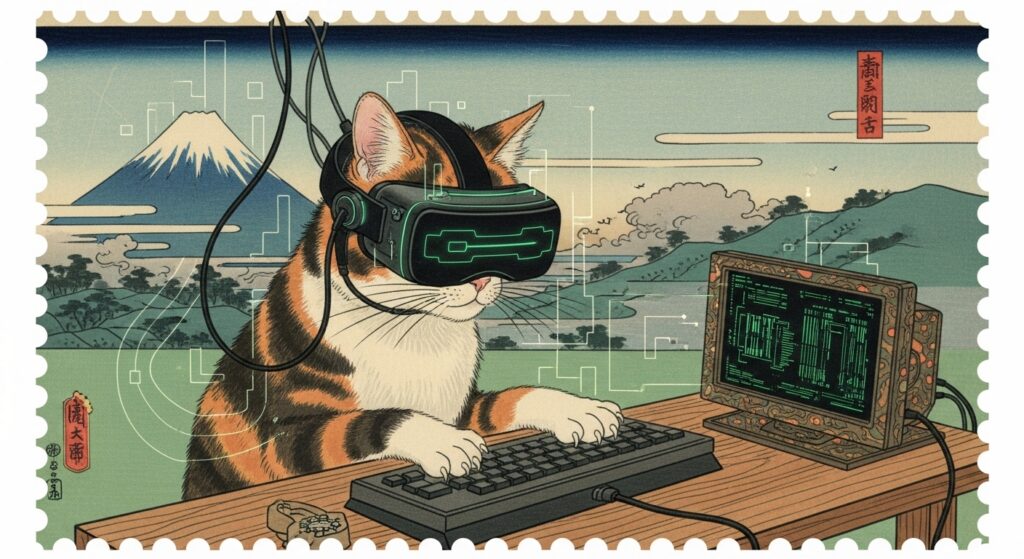
Whisk.ai was one of the first Free AI image generators I tested. It’s surprisingly good at producing flat illustrations, vector-like art, and clean digital designs.
I’ve used it for mockups, blog visuals, and concept ideas when I didn’t need photorealism, just something simple and polished.
What I like most is how consistent it is for non-human subjects. It handles objects, icons, and environments well, and it’s great for idea sketching before committing to a full design.
2. Sora : When You Want Realistic, Movie-Like Scenes
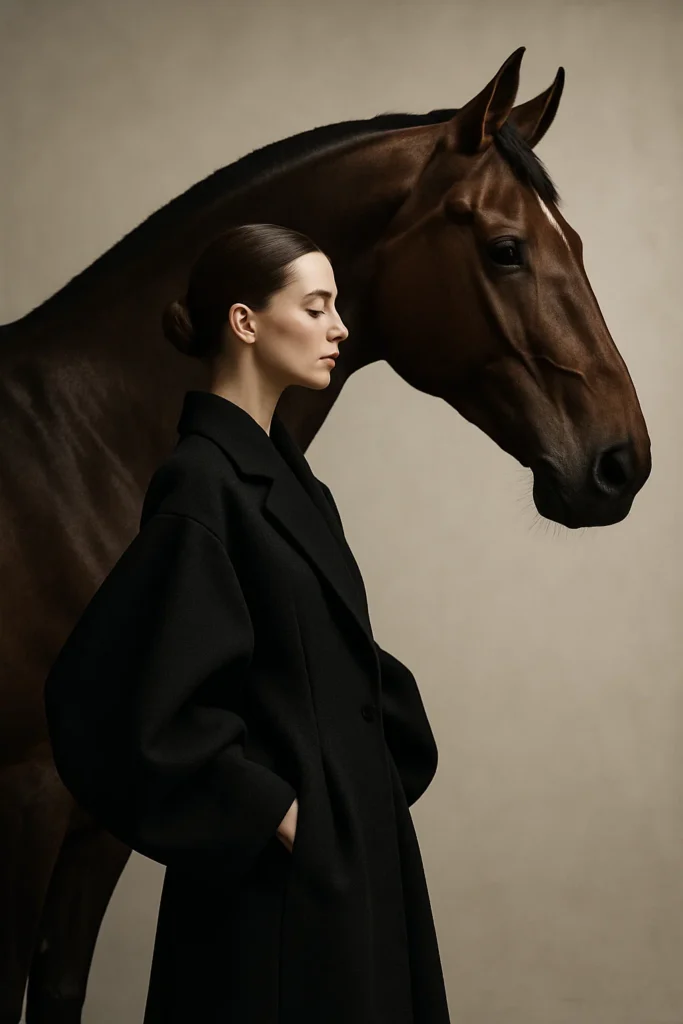
Sora impressed me the most. It’s one of those tools that blurs the line between AI art and real photography.
When you describe your prompt in detail, it generates almost lifelike images, the kind you could easily mistake for a movie still or a cinematic photograph.
For me, Sora works best when the goal is realism. I use it for content that needs a “real world” vibe, social media graphics, campaign visuals, or backgrounds that feel grounded in reality. The more specific your prompt, the better the outcome.
3. DeepAI: A Decent All-Rounder for Quick Ideas
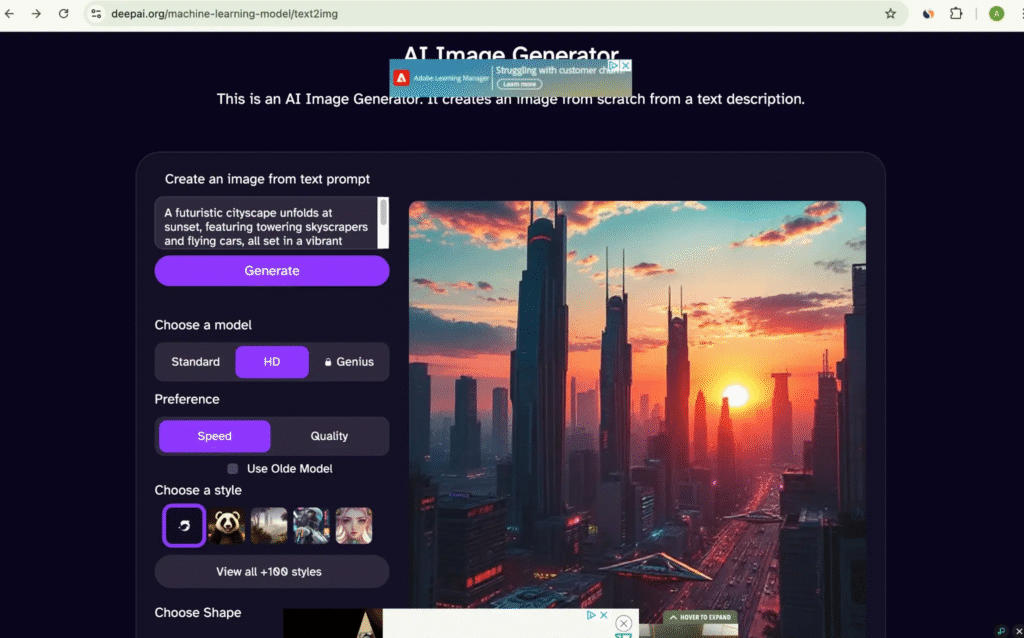
DeepAI doesn’t always produce perfect images, but it’s reliable for quick drafts or concept exploration.
It’s free, fast, and doesn’t require much setup. Sometimes the images are rough around the edges, but if you’re trying to visualize a concept fast, it delivers.
It’s also useful for testing ideas before investing time in design, which is something I’ve learned to appreciate. Many of my final creative ideas started as rough AI images I generated on DeepAI just to “see what’s possible.”
The Moment I Realized How Powerful These Tools Could Be
That first Instagram post experience changed everything for me.
Instead of spending hours on research and design, I could describe the image in a few sentences, generate a few variations, and pick what worked.
It wasn’t just about saving time. It unlocked something creative.
When you can visualize ideas instantly, you start experimenting more freely. I found myself playing with concepts I’d never have considered before, because now, testing them didn’t take hours.
That’s the quiet advantage of AI tools: they lower the barrier between an idea and a result.
The Hard Truth: Free AI Image Tools Aren’t Perfect
For all the magic, there are frustrations too, and anyone who’s used most Free AI image generators will tell you that.
1. Inconsistency
Free AI generators aren’t always consistent. Sometimes you can run the exact same prompt twice and get completely different results.
This becomes especially noticeable when working with human faces or skin tones. In my experience, these models struggle particularly with diversity, especially when trying to generate darker-skinned characters. It’s not just frustrating; it’s a sign that the training data isn’t balanced enough yet.
2. The Prompt Struggle
Your results depend heavily on how well you can describe what you want.
If your prompt is vague, the image will likely miss the mark. But being perfectly specific every time is hard, because sometimes, you don’t even know exactly what you want until you see it.
I’ve learned to treat prompts like conversation starters. You tell the AI what you think you want, then adjust based on what it gives back. The back-and-forth process is where the real magic happens.
3. Limited Resolution or Watermarks
Some free tools add watermarks or limit the image size. It’s understandable, but it can be annoying if you’re trying to use the image professionally.
Still, I find that for idea generation and concept validation, the free versions are usually enough.
Lessons I’ve Learned from Using Free AI Image Tools
One of the biggest lessons I’ve learned is that these tools don’t need to be perfect to be valuable.
They’re not here to replace your creativity, they’re here to speed up your experimentation.
Sometimes, I use them just to see if an idea looks as good in reality as it does in my head.
Once I have a rough concept, I can take it into Photoshop or Figma and refine it manually. In other cases, I completely change direction after seeing the AI’s output, it sparks new ideas I wouldn’t have considered on my own.
So if you’re a beginner, here’s my honest advice: don’t expect perfect results right away.
Use free AI tools as a starting point, a creative sketchpad that helps you think visually.
Other Free AI Image Tools Worth Checking Out
Beyond Whisk.ai, Sora, and DeepAI, I’ve explored a few others through research and community recommendations. Here are some that consistently come up among creators and small business owners:
1. GPT-4o (via ChatGPT Free Plan)
ChatGPT’s image generation feature has quietly become one of the most capable free tools.
You can generate detailed, photorealistic images right from a text prompt. It’s ideal for marketing visuals, concept art, and mockups. The results are accurate, and the interface couldn’t be easier, just describe what you want in ChatGPT and it creates it.
2. Ideogram
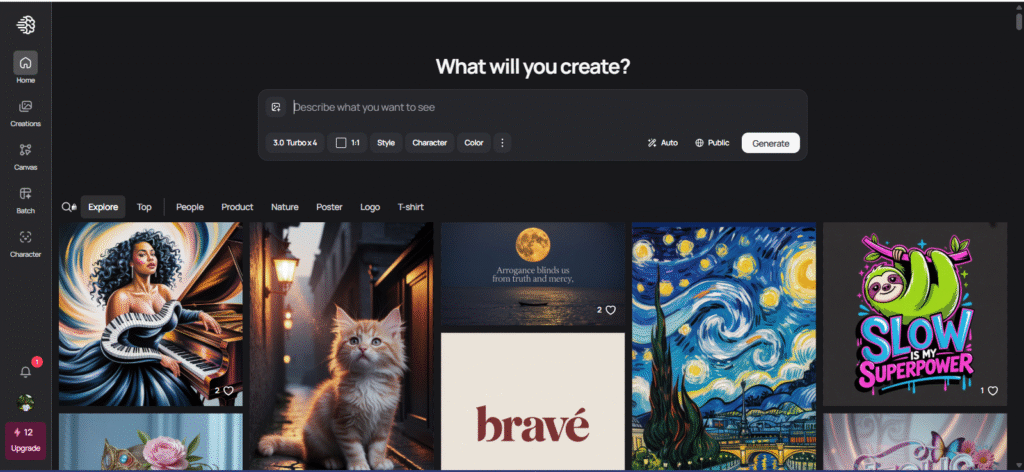
If you’ve ever tried adding text to AI images, you know how bad most tools are at spelling.
Ideogram fixes that. It’s known for generating images with perfectly accurate text, like posters, quotes, and social media graphics. It’s free to use (with public generations) and is surprisingly consistent for typography-heavy designs.
3. Recraft
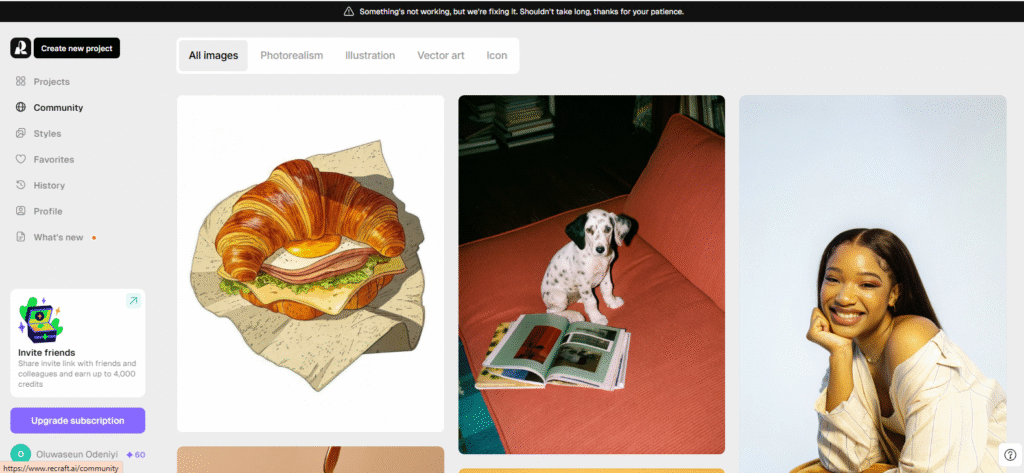
Recraft is a designer’s dream. It’s more focused on graphic design and vector-style visuals than realism, making it great for branding, icons, and product mockups.
The best part? It lets you export SVGs directly, which most free tools can’t do.
4. Adobe Firefly
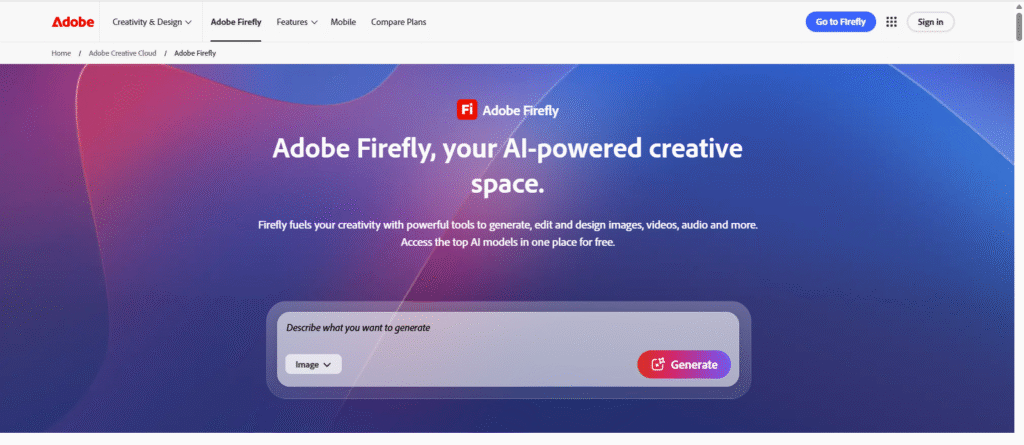
While not fully free, Firefly gives you limited monthly credits for image generation through your Adobe account. It’s amazing for integrating AI images into existing designs, especially if you use Photoshop or Illustrator.
5. Leonardo.Ai and Playground
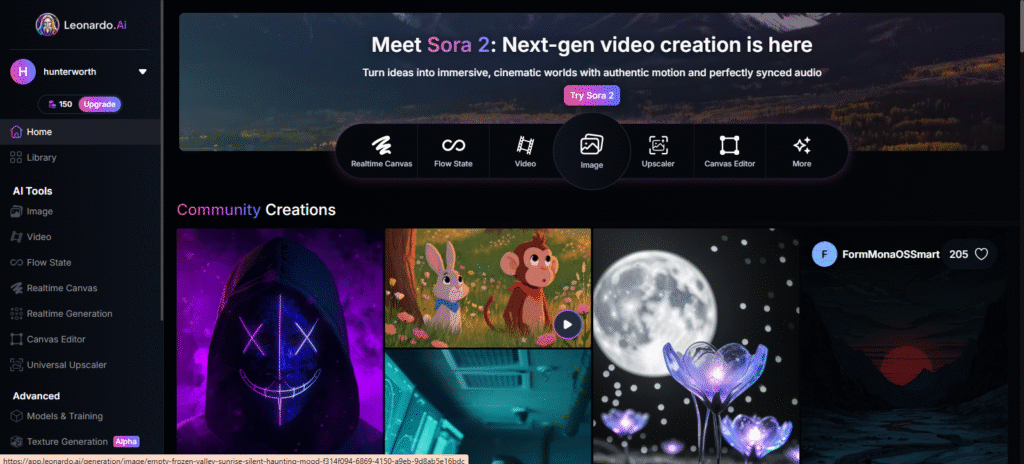
Both offer free tiers with limited daily credits. Leonardo is great for gaming-style art and cinematic concepts, while Playground excels at stylized, aesthetic visuals.
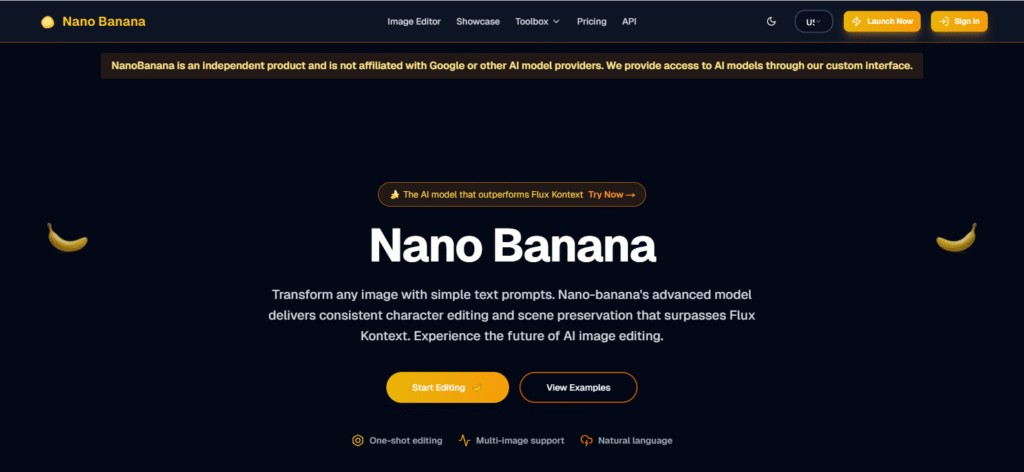
6. Nano Banana (Web-Based AI Generator)
Nano Banana is a fast, free AI image generator that’s great for casual creators and quick visual experiments. You can type a simple idea and instantly get stylized results in various artistic styles — from anime and 3D renders to realistic portraits. It’s lightweight and browser-based, so there’s no need for downloads or setup. While not as detailed as premium tools, it’s perfect for testing ideas or producing social media visuals in seconds.
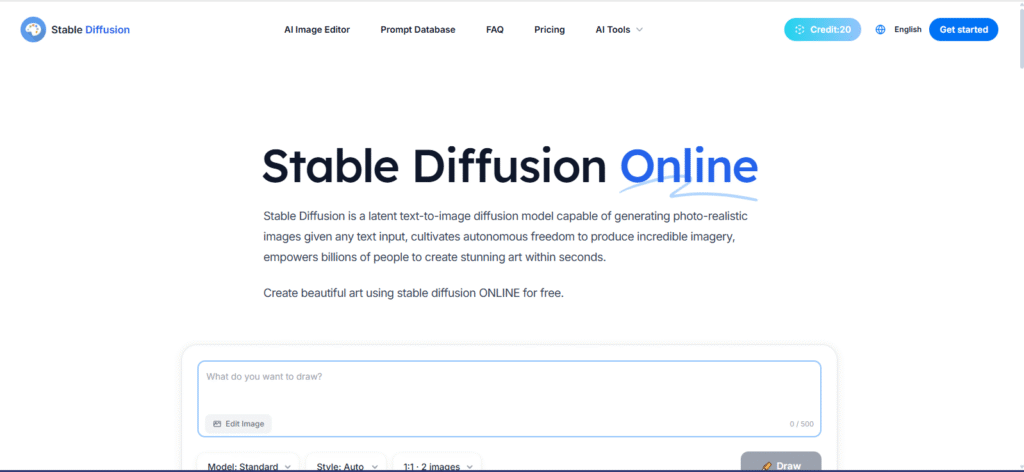
7. Stable Diffusion (via Web UI or DreamStudio)
Stable Diffusion remains one of the most powerful free AI image models available. It’s open-source, which means you can use it through platforms like Hugging Face, Clipdrop, or DreamStudio, depending on how technical you want to get. It excels at realism, concept art, and stylized imagery when given detailed prompts. With the right settings, you can control lighting, texture, and even facial features. It’s especially strong for creators who want flexibility and aren’t afraid to experiment.
What I Tell Anyone Starting with Free AI Image Generators
Here’s what I’d tell any creator or small business owner getting started:
- Use them for concepts, not final assets.
Think of AI tools as your digital sketchbook. Generate ideas fast, then polish them yourself. - Experiment relentlessly.
The best results come from testing prompts, styles, and settings. Treat it like play, not perfection. - Don’t overthink prompt writing.
Start simple: describe what you want, then refine it based on what you get. - Leverage free tiers wisely.
Use multiple platforms, when one limits you, switch to another. Each has different strengths. - Watch for bias.
Be aware of how AI tools represent diversity (or fail to). If a tool struggles with certain representations, call it out, it helps the tech evolve.
The Future of Free AI Tools in Design
It’s clear that free AI image generators are improving fast.
Every version release feels like a leap forward in realism, control, and accuracy. And what’s even more exciting is that creators who start using them early have a major advantage.
If you can translate your ideas into visual prompts quickly, you can move faster than most competitors, especially in content creation, design, and marketing.
In the future, I see these tools becoming as common as Canva or Photoshop. They won’t replace creativity, but they’ll make creativity faster and more accessible.
Those who learn to guide the AI well, through clarity, detail, and experimentation, will stand out.
Final Thoughts
Free AI image tools aren’t perfect, but they’re powerful.
They help you test ideas, spark inspiration, and move from concept to creation in minutes instead of hours. Whether it’s Whisk.ai for simple designs, Sora for cinematic scenes, or DeepAI for quick brainstorming, there’s no shortage of options to explore.
The key is to approach them with curiosity, not perfectionism.
AI won’t think for you, it’ll just help you think faster.
So next time you’re stuck on a visual idea or need a quick mockup, try one of these tools. Type in your prompt, tweak the results, and watch what unfolds.
You might be surprised by how much creativity you unlock when technology handles the heavy lifting.
Join the Conversation
I’ve shared the free AI image tools that have worked best for me, but I know everyone’s experience is a little different.
What about you? Have you found a free tool that consistently gives great results? Drop it in the comments, I’d love to see what others are using and learning from.
If you enjoyed this post and want more practical breakdowns on AI tools, design, and content creation, stick around, I share stories, experiments, and tips to help you create faster and smarter.